
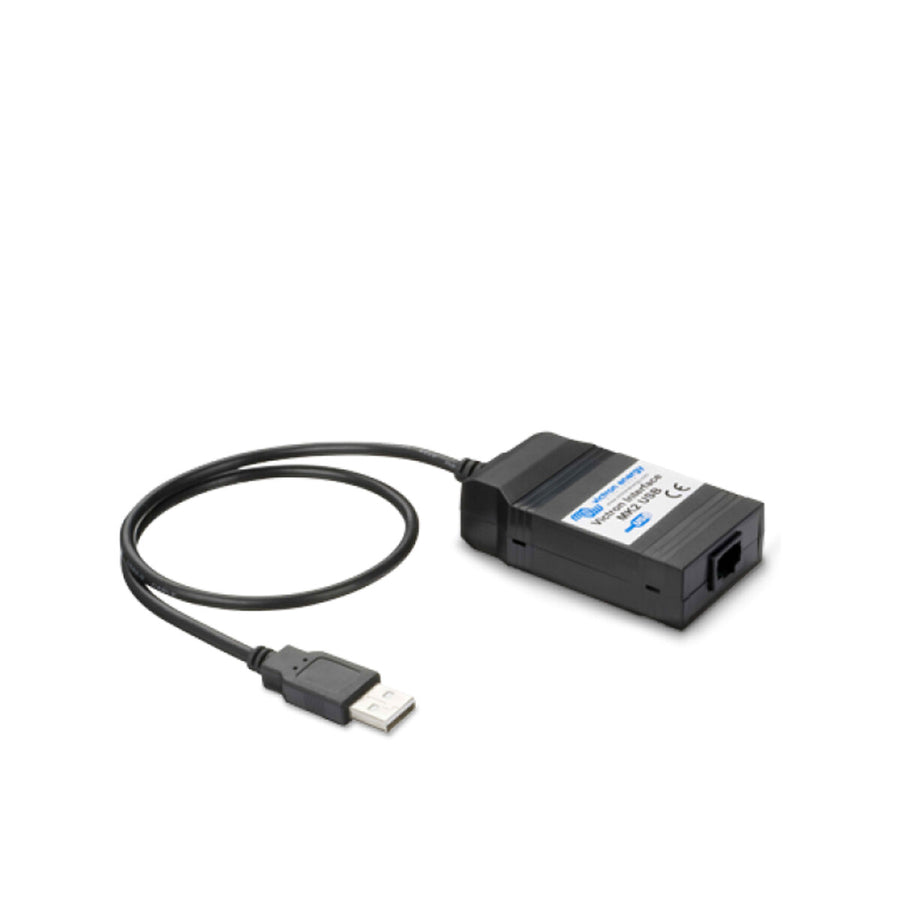
Victron MK2-USB Interface
With the Victron MK2-USB interface, you can easily connect a variety of Phoenix inverter types to your computer to exchange information via the RS-485 data port. You only need to connect the Data-Link to your PC as shown to set and read all parameters. In addition, all Victron Energy products with an RS-485 data port – such as VE.Net – can be easily integrated into a computer-based monitoring and control system. To control the Phoenix devices via your PC or laptop, you only need the free Victron software "VE Configure," which you can find in our download area.
Here are some possibilities that the MK2 USB interface offers you:
- You can program many parameters as needed, including output voltage, frequency, as well as upper and lower voltage limits and much more.
- It can be seamlessly integrated into a computer-based monitoring and control system.
- All Phoenix Compact inverters can also be connected to VENet, Victron Energy's innovative power monitoring network, or to other computer-based
- control and monitoring systems.
- Programming the integrated relay is child's play. You can use the relay to generate signals for certain events or even to start a generator.
- Parallel and three-phase operation with other Phoenix inverters is also possible.
Compatible Victron Inverters:
- C12/1200, C12/1600, 12/3000, 12/5000
- C24/1200, C24/1600, C24/2000, 24/3000, 24/5000
- 48/3000, 48/5000, 48/8000, 48/10,000
This interface opens up whole new possibilities for you to efficiently and conveniently control and monitor your energy supply.